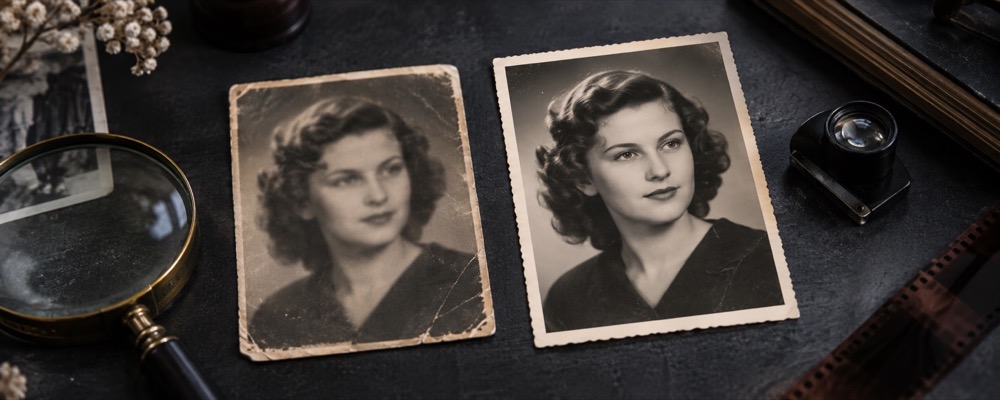
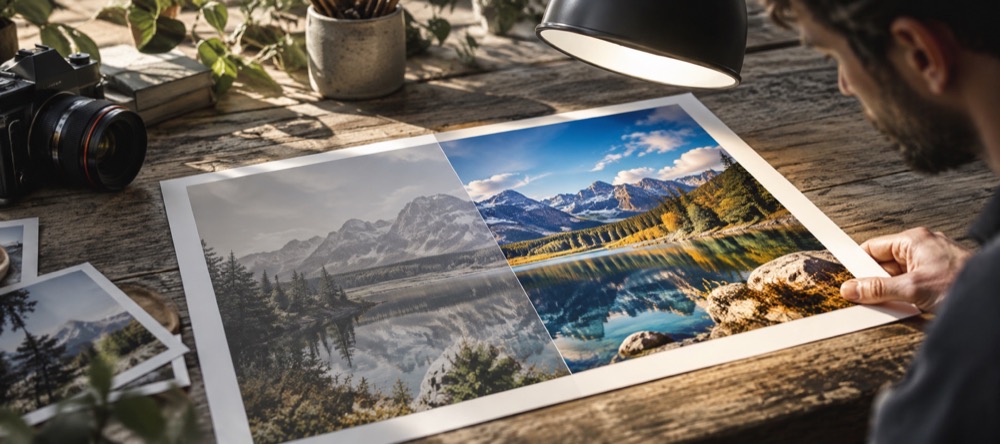
Photo, then signature
- Open the photo. It starts in Finish; choose the photo preset that matches your notice.
- Move the crop so the face fills the guide; straighten and brightness are allowed, appearance edits are locked.
- Save. The file is fitted to the KB range and its size, pixels and quality are printed.
- Open the signature, choose a signature preset, clean it in Fix, press Paper white, and save.
| Preset | Pixels | KB range | Source |
|---|---|---|---|
| GATE 2026 photo | 200 × 260 to 530 × 690 | 5–600 kB | gate2026.iitg.ac.in |
| GATE/JAM photo | 240 × 320 to 480 × 640 | 50–200 kB | iitk.ac.in/gate |
| GATE 2026 signature | 250 × 80 to 580 × 180 | 3–300 kB | gate2026.iitg.ac.in |
| GATE/JAM signature | 280 × 80 to 560 × 160 | 50–150 kB | iitk.ac.in/gate |
Read from the official pages on 24 October 2026. Rules change every cycle — check the current notice. UPSC, SSC, bank and state commission forms: use Custom with the numbers from your notice.
Sources and the passport rules are gathered in Passport and exam photo rules in India. For a passport or visa photo, Passport photo editor.
Questions about exam photos
- How does KB-fit work?
- The crop is set to the preset's shape and the file is written at its largest allowed pixel size. If that is over the KB ceiling, the JPEG quality is searched down to the highest that fits; only if the lowest quality is still too big does the pixel size step down, in the same shape, never below the smallest size the notice allows. The save line prints what it reached, for example “143 KB, 480 × 640, quality 0.82”.
- What if the range is impossible?
- It says so, with the figure it reached, and saves nothing. A file that is still over the ceiling at the smallest allowed size is refused. A file that cannot reach the floor even at full quality and the largest allowed size is never padded with junk bytes to cross it — that would be a file built to fool a counter. You can save it anyway at its true size, or check the notice for a larger pixel size.
- Any tips for the signature?
- Sign in black or dark blue on plain white paper, photograph it flat in daylight, and crop tight. In Fix, tap specks and drag along stray lines; then press Paper white, which raises the highlights and contrast and takes the colour out, so grey paper becomes white and the ink stays dark. A signature this small compresses very well, which is why some KB floors are hard to reach.
- The two GATE pages give different numbers. Which is right?
- Both presets ship, each labelled with its own official page and the date it was read: the GATE 2026 page (IIT Guwahati) and the GATE/JAM page at IIT Kanpur. Use the one your current notice points to; if in doubt, the notice wins.