What a heal stroke is for
- A stray hair against a sky, a wall or a plain background.
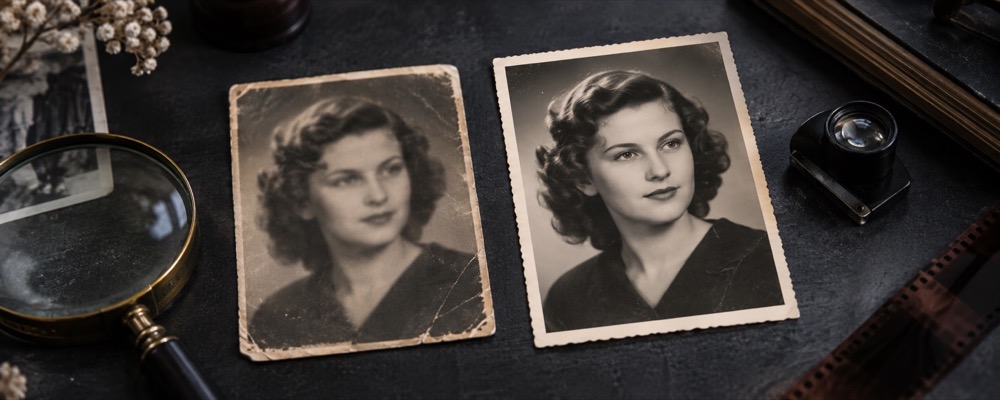
- A pen line or a crease across a scanned page or print.
- A thin wire or a cable crossing an even sky.
- A short scratch on a lens that shows as a line.
Drag from one end of the mark to the other. The stroke is filled from the picture on either side of it, and becomes one numbered record in the Placed list. With the keyboard, move the crosshair with the arrow keys and press Enter at each end.
Round specks are faster as single taps: Remove spots from a photo. A frame full of the same specks across a whole card is a job for Batch touch up.
A stroke cannot remove a person, a sign or a car. It fills a thin band from what lies either side of it.
Questions about marks
- How long a line can it take?
- Fourteen disc-widths at most. The disc is the long edge of the file divided by fifty-six, held between fourteen and fifty-six pixels, so on a twelve-megapixel photo a stroke can run roughly a quarter of the frame. A longer line can take two strokes, as long as they do not cover the same ground.
- Why was a stroke over text refused?
- The tool reads the ring of picture around the stroke before it writes. Over text, a fence or brickwork that ring is full of the same hard structure, so a fill would smear it. It says so and changes nothing.
- Can it remove a hair across a face?
- Across even skin, often yes. Where the hair crosses an eye, a lip or the edge of the face, the fill has hard structure on both sides and will blur it; the seam shows that before you save.