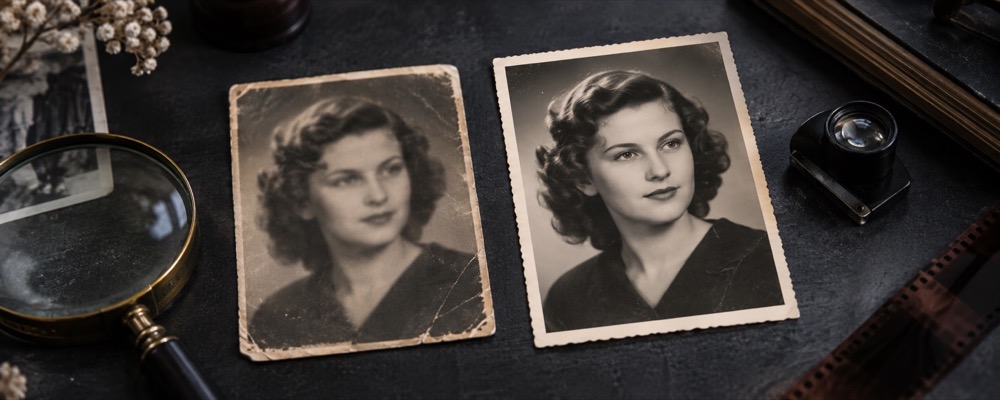
The order for a scanned print
- Fix: tap each speck with Spot; drag a Heal stroke (key 2) along a short scratch.
- Light: press Auto. A faded print usually gains contrast and loses a colour cast.
- Fix → Level, or Finish → Straighten, if the print sat crooked on the glass.
- Finish: crop off the scanner bed and any torn edge, then save.
Six placed fixes per photo is the ceiling. A print with dozens of marks is past a quick pass. Related: Remove spots from a photo, Remove a mark from a photo, Straighten a photo.
This is a touch-up of a scan — not reconstruction of torn pieces and not colourisation.
Questions about old photos
- Can it fix torn corners or missing pieces?
- No. A tap or a stroke fills a small area from the picture beside it. A torn corner or a missing piece has nothing beside it to copy from, and rebuilding it would be inventing a picture. Crop it off in Finish instead.
- Can it colourise a black-and-white photo?
- No. Colour can be warmed or cooled and saturation changed, but nothing here adds colour that was never in the photograph.
- What scan settings should I use?
- Scan at 600 dpi or more for a small print, save as PNG or a high-quality JPG, and clean the scanner glass first — dust on the glass becomes specks on every scan, in the same place each time.