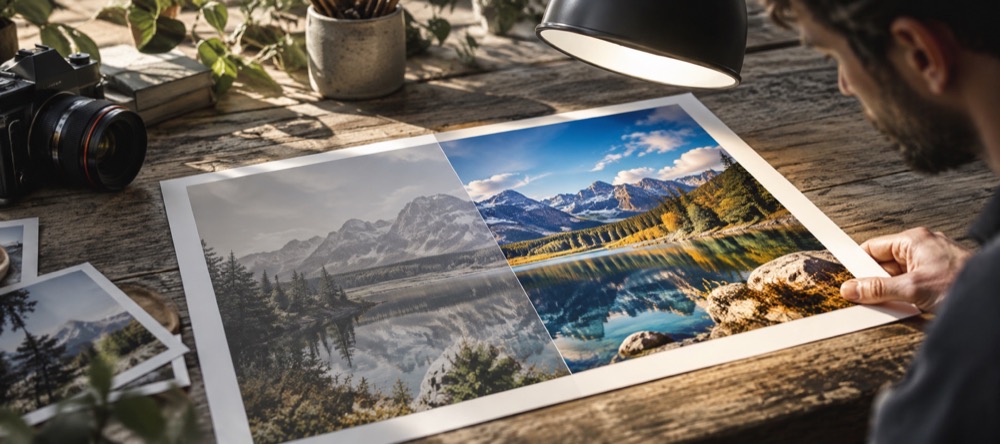
What the sharpen does
Detail → Sharpen is an unsharp mask: it compares each pixel with a slightly blurred copy and pushes the difference, which raises contrast at edges. The radius is small and fixed, and a noise threshold keeps flat areas flat. The strength runs from 0 to 100 and opens here at 30.
Sharpening and smoothing are in the same step and can be used together: smooth skin a little, sharpen eyes and hair. Related: Reduce noise in a photo, Smooth skin in a photo.
Questions about sharpening
- Can it fix a blurry photo?
- No. Sharpening raises contrast along edges that are already there. It makes a slightly soft photo look crisper; it cannot recover detail from a photo that was out of focus or blurred by movement.
- Why is there a threshold?
- Without one, sharpening also raises the small random differences between neighbouring pixels in flat areas such as sky and skin, which is noise. The threshold leaves differences below a set size alone.
- How much for print or for a screen?
- Judge at 1:1, not fitted to the window: press Z. For a screen, stop as soon as edges look clean; for a print, a little more is usually fine. If you see bright halos along edges, it is too much.