What Auto reads
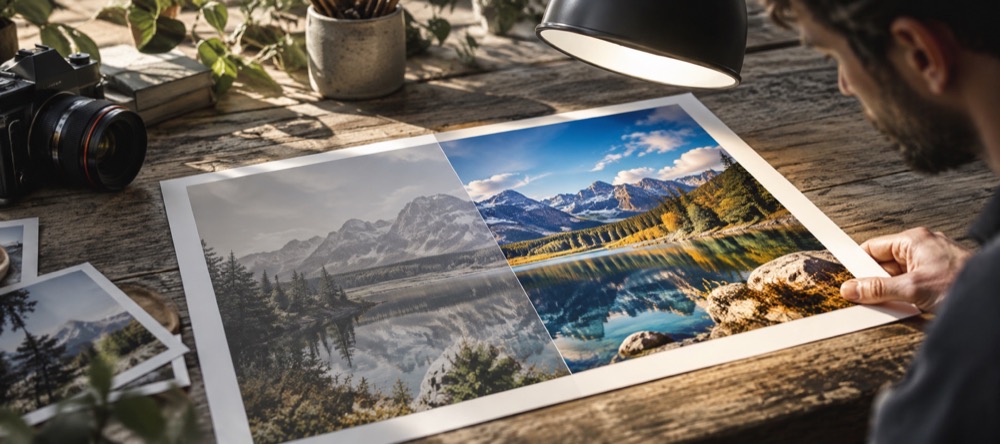
- The median brightness, to decide whether the midtones should move.
- The spread of brightness, to decide whether contrast should rise or fall.
- How much of the frame is clipped at the bright and dark ends, for highlights and shadows.
- The average colour, to estimate a warm or cool cast and the saturation.
Then it writes six values into the Light and Colour steps. They are ordinary slider values: move any of them, reset the step, or undo the whole pass with Ctrl or Cmd + Z.
Related: Brighten a photo for the same controls without Auto; Batch touch up to give every photo in a folder its own Auto reading.
Questions about Auto
- What does Auto change?
- Six numbers and nothing else: brightness, contrast, highlights, shadows, warmth and saturation. The note under the Light step prints each value it set, and the sliders show them. If a photo needed nothing, Auto says so and changes nothing.
- Is it AI?
- No. It is arithmetic on a sample of the photo: the median and spread of brightness, how much is clipped at each end, and the average colour (a grey-world estimate of the cast). No model is downloaded and the photo is read only in this tab.
- Will it sharpen a blurry photo?
- No. Auto fixes exposure and colour. A little edge contrast is in Detail → Sharpen, but nothing here can recover focus a photo never had, and nothing here adds resolution.